Mobile apps
Transferring a call on the iOS app
When on a call, learn how you can transfer the call to someone else in your team.
You can transfer a phone call by clicking on the Transfer button when you're on a call.
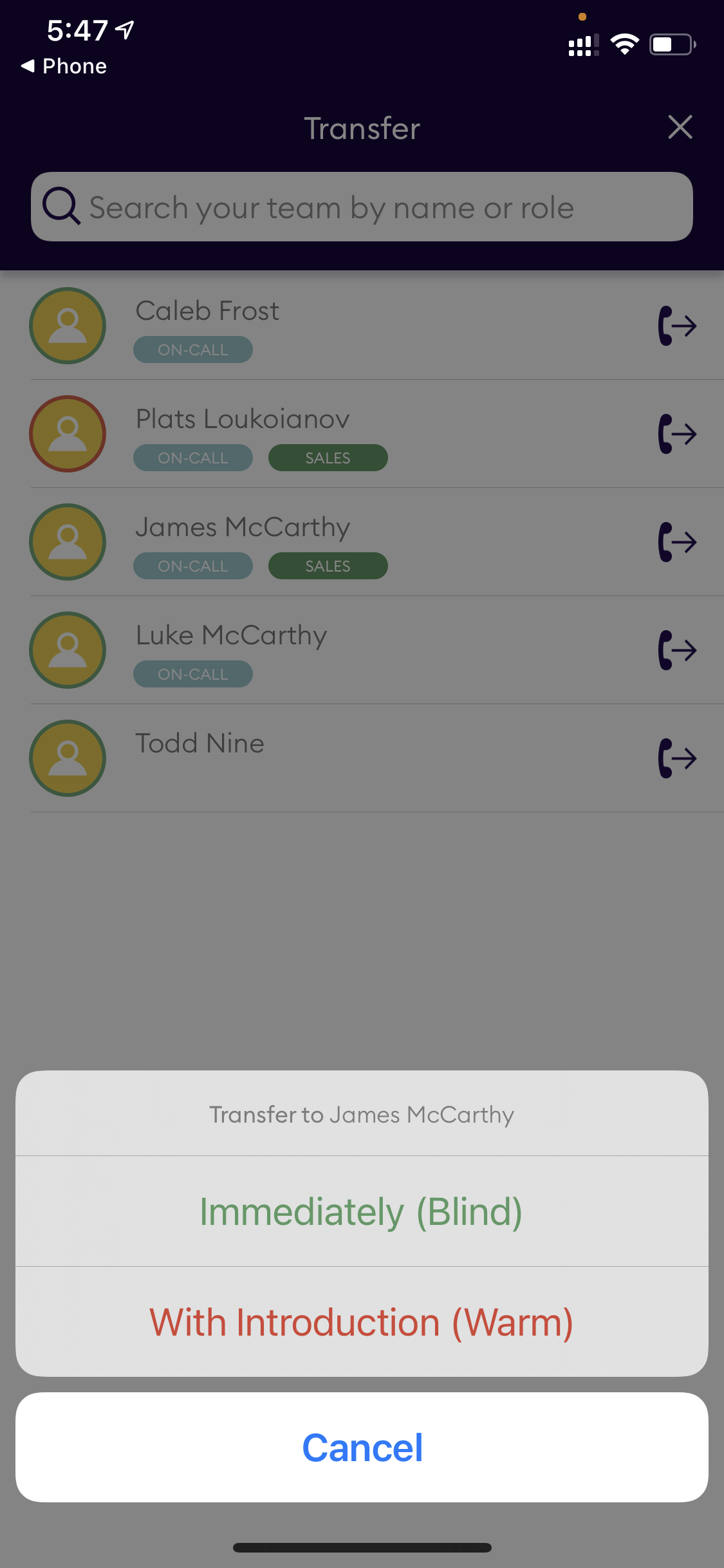
- Tap transfer.
- Search for or select a team member to transfer the call to (note their presence status will be green if they are available).
- You will get the option of a cold transfer (you have the chance to talk to the team member before completing the transfer) or blind transfer (the call will be pushed to the team member and will end for you).
- If you selected cold transfer, once the team member answers you can complete the transfer by clicking the blue Complete Transfer button, or you can return to the caller by clicking Return to Call.