Desktop app
Cradle Chrome extension
Install the Cradle Chrome extension to click any phone number on a web page and dial it from Cradle.
The Cradle Chrome extension adds a small green phone icon next to phone numbers on the web pages you use every day. Click the icon, Cradle dials the number.
Install it
Head to the Chrome Web Store and click Add to Chrome:

How to use it
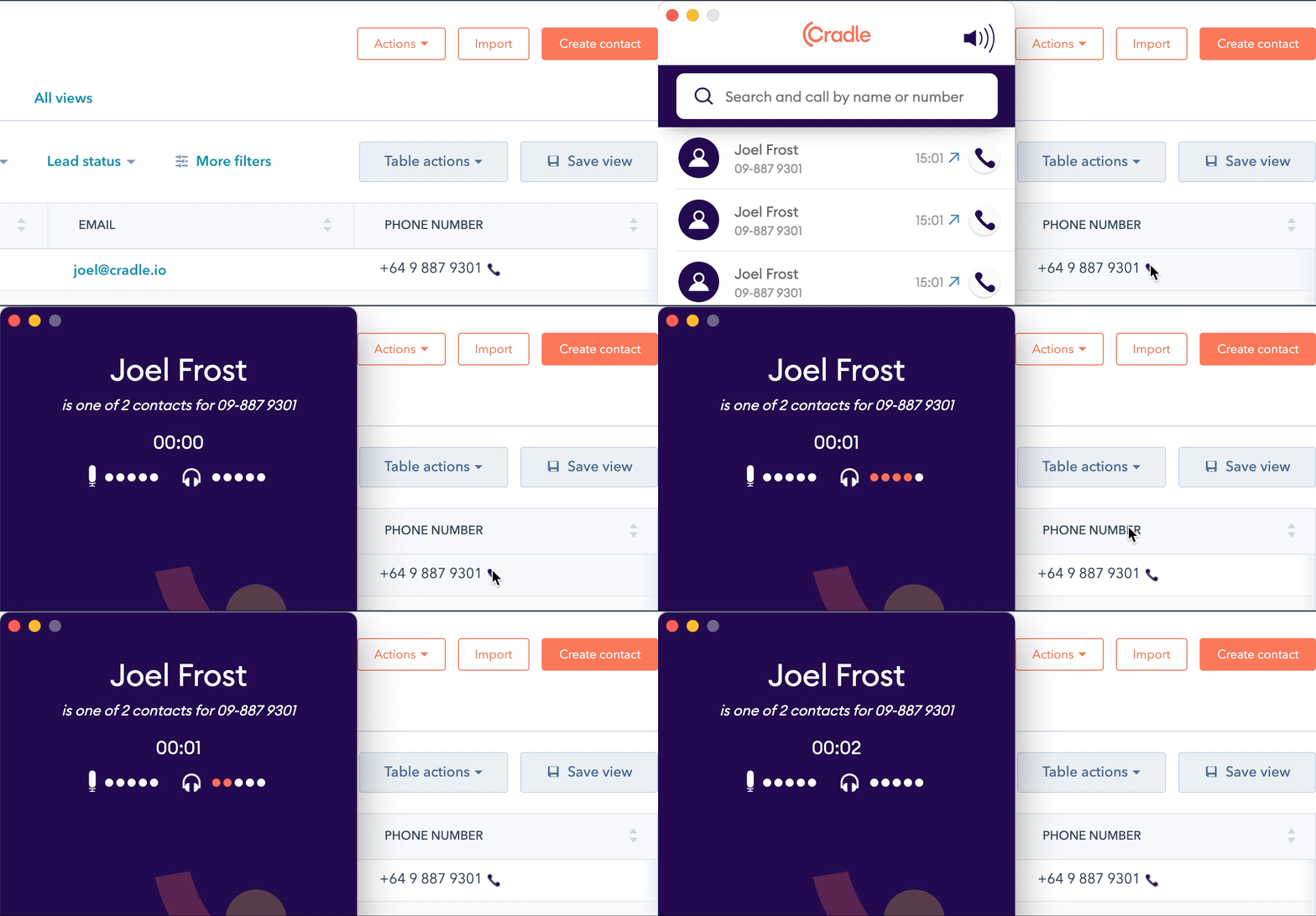
When you visit a page with phone numbers, the extension adds a green phone icon after each one it detects. Click the icon and the Cradle desktop app dials the number.
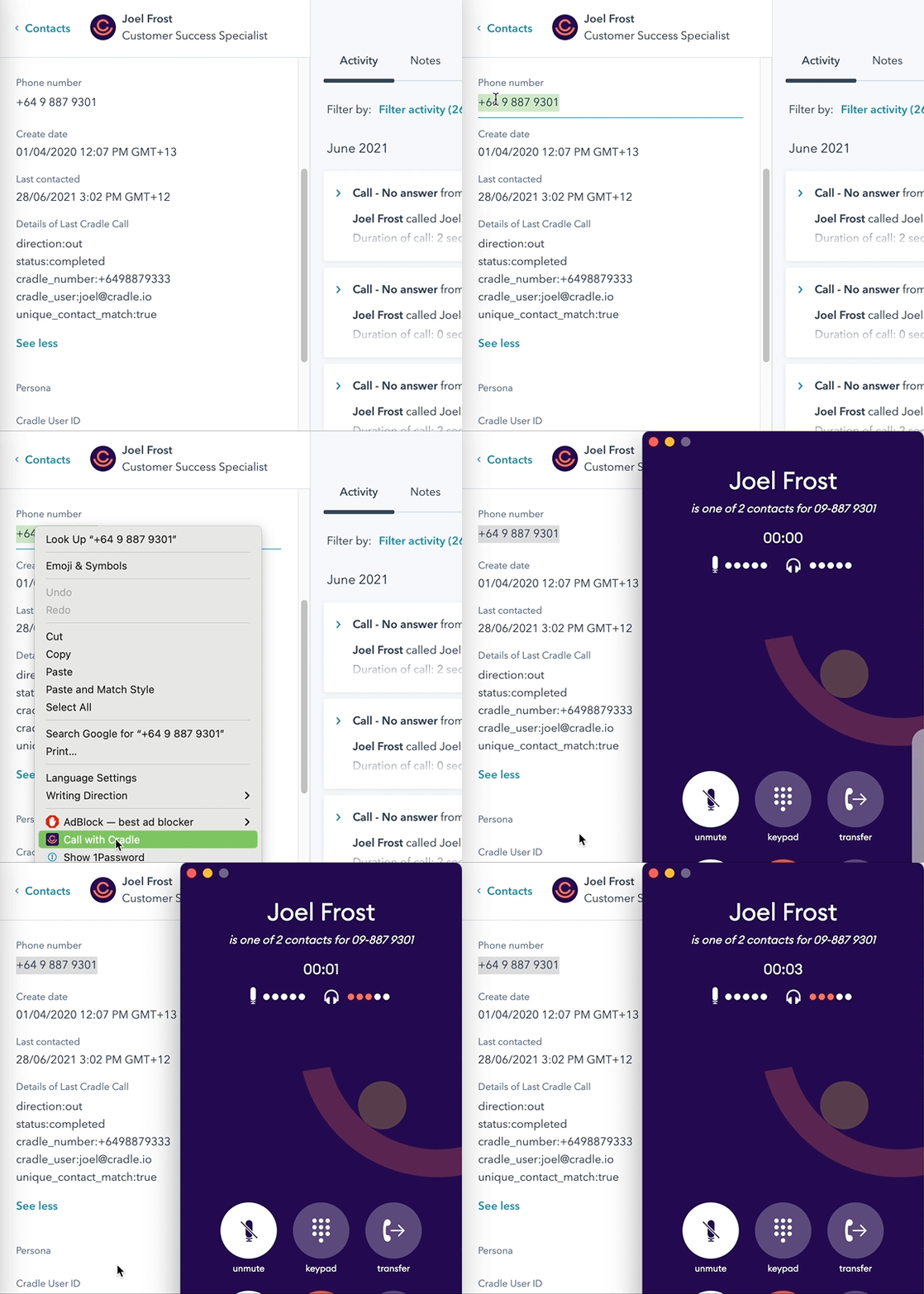
If the icon doesn't appear next to a number, highlight the number, right-click, and choose Call with Cradle.
If you spot a site where Cradle should be picking up numbers but isn't, message us through the help bubble and we'll have a look.
What if the country code is missing?
If a number is missing its country code and it's international, copy and paste it into Cradle and add the country code by hand.
Limit where the extension runs
The extension does its best to only appear next to phone numbers, but on some sites it can get a bit enthusiastic. You can restrict it to specific sites:
- Click the three-dot menu in the top right of Chrome.
- Open More tools then Extensions.
- Find Cradle and click Details.
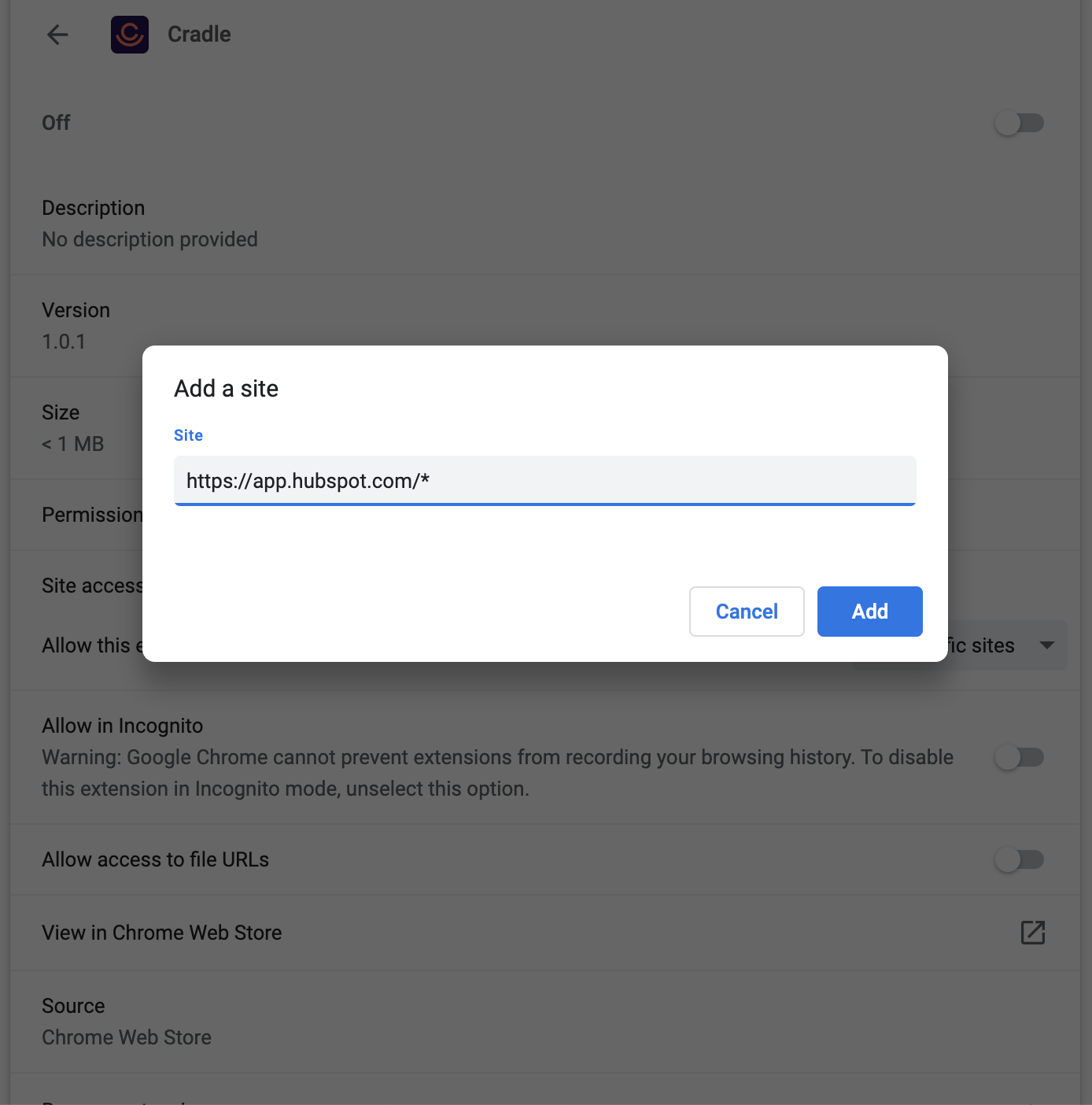
- Change Site access to On specific sites.
- Add the URL of your CRM with a wildcard at the end. For HubSpot, that's
https://app.hubspot.com/*. - Click Add.