Integrations
Setting up the Xero integration
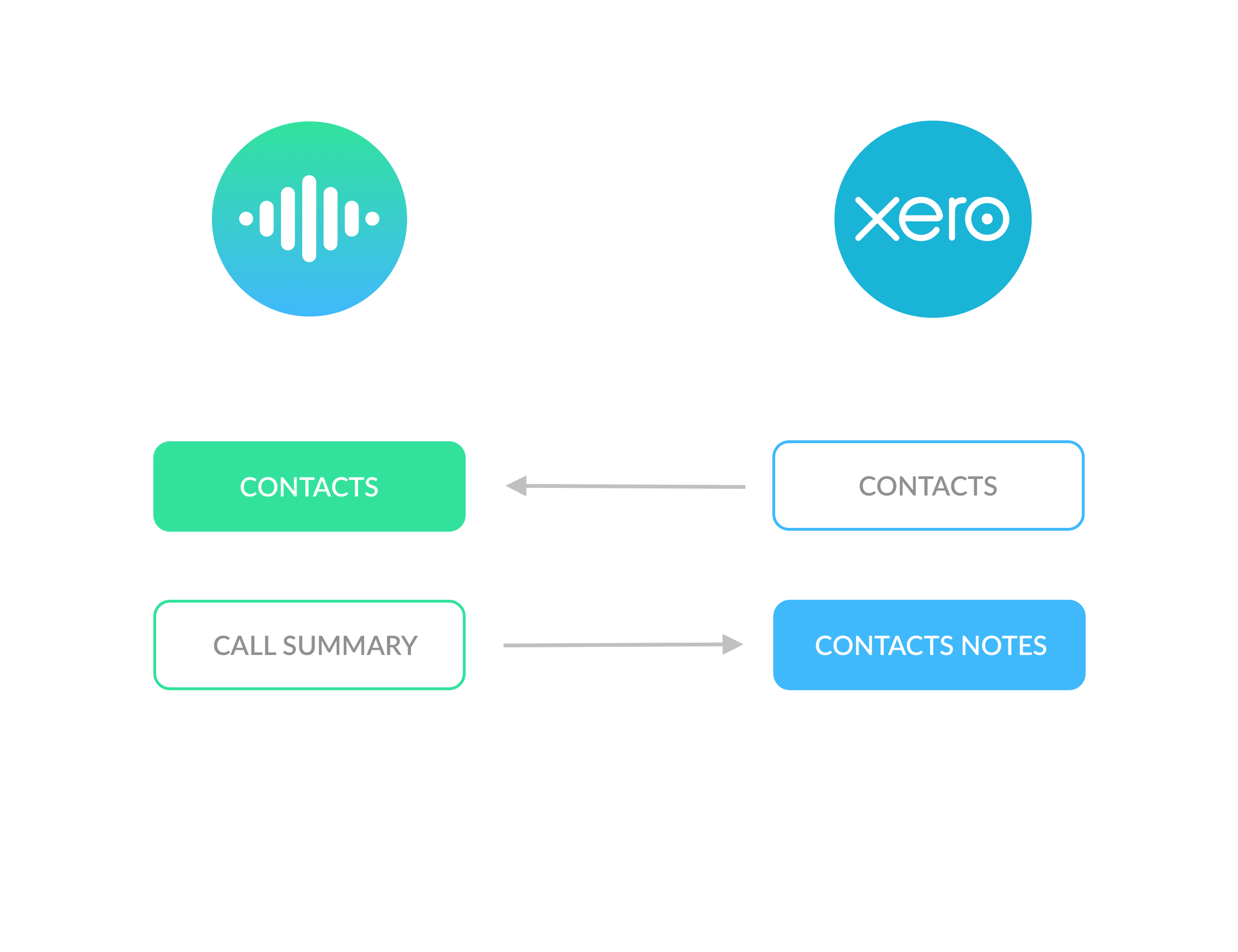
Connect Cradle to your Xero organisation so your team can dial contacts directly from Cradle and have calls logged back against the Xero contact.
Connecting Cradle to Xero lets your team dial Xero contacts directly from the Cradle desktop app, and logs the call against the contact in Xero once the conversation ends. You'll spend less time updating records and more time on the call itself.
What you'll need
- An admin account in Cradle.
- A Xero user account with Standard access (or higher) on the Xero organisation you want to connect.
How to connect
- Sign in to the admin portal at admin.cradle.io.
- Open Integrations.
- Click Connect To Xero.
- Sign in to Xero and pick the Xero organisation you want to connect.
- Click Allow access.
- Xero will send you back to Cradle, and the integration will show as connected.
What you should see
- The Xero integration appears as connected on the Integrations page.
- Your team can search for Xero contacts inside the Cradle desktop app and dial straight from the contact record.
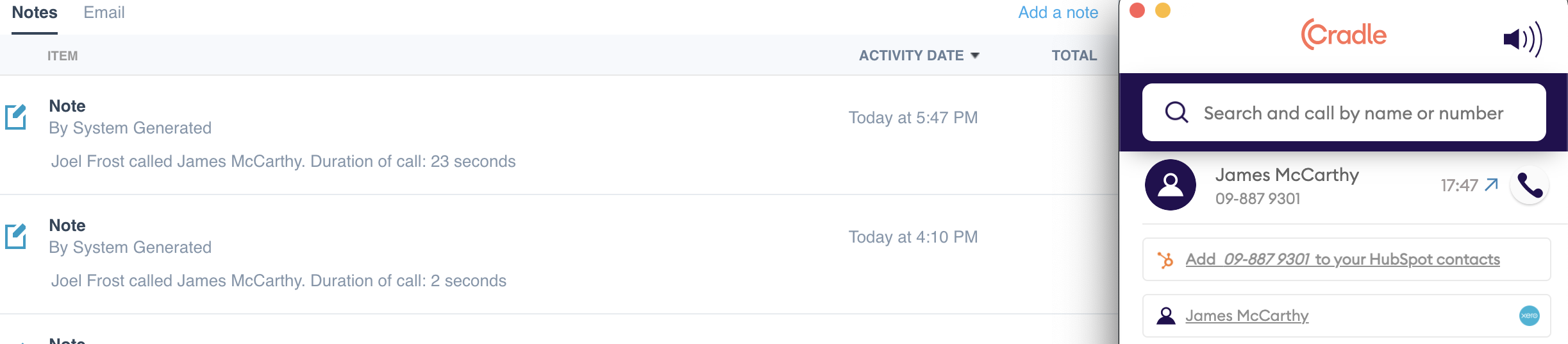
- After a call ends, the call is logged against the matching Xero contact.
How the data flow works
Cradle reads your contacts from Xero so it can match incoming calls and let your team dial out to them. After each call, Cradle writes the call back to the matching contact in Xero, keeping the contact's communication history up to date.