




Integrations
Send an automated follow-up via email or SMS when a contact leaves a voicemail
Stay in contact with leads and customers even when you're unavailable, using HubSpot's email or SMS outbound to follow up on missed calls.
This HubSpot workflow fires an automated email or SMS to any contact who leaves you a voicemail, so they know you've received their message and will be in touch. It's a good safety net for periods when your team is on other calls or out of office.
The SMS step in this workflow uses HubSpot's own outbound SMS (configured inside HubSpot), not Cradle SMS. For sending an SMS directly from Cradle, see Sending an SMS from the desktop app.
For a refresher on the properties Cradle writes into HubSpot, see List of Cradle properties.
Cradle trigger you'll use
- Details of Last Cradle Call
Build the workflow
In HubSpot, go to Automation → Workflows → Create workflow → Contact-based.
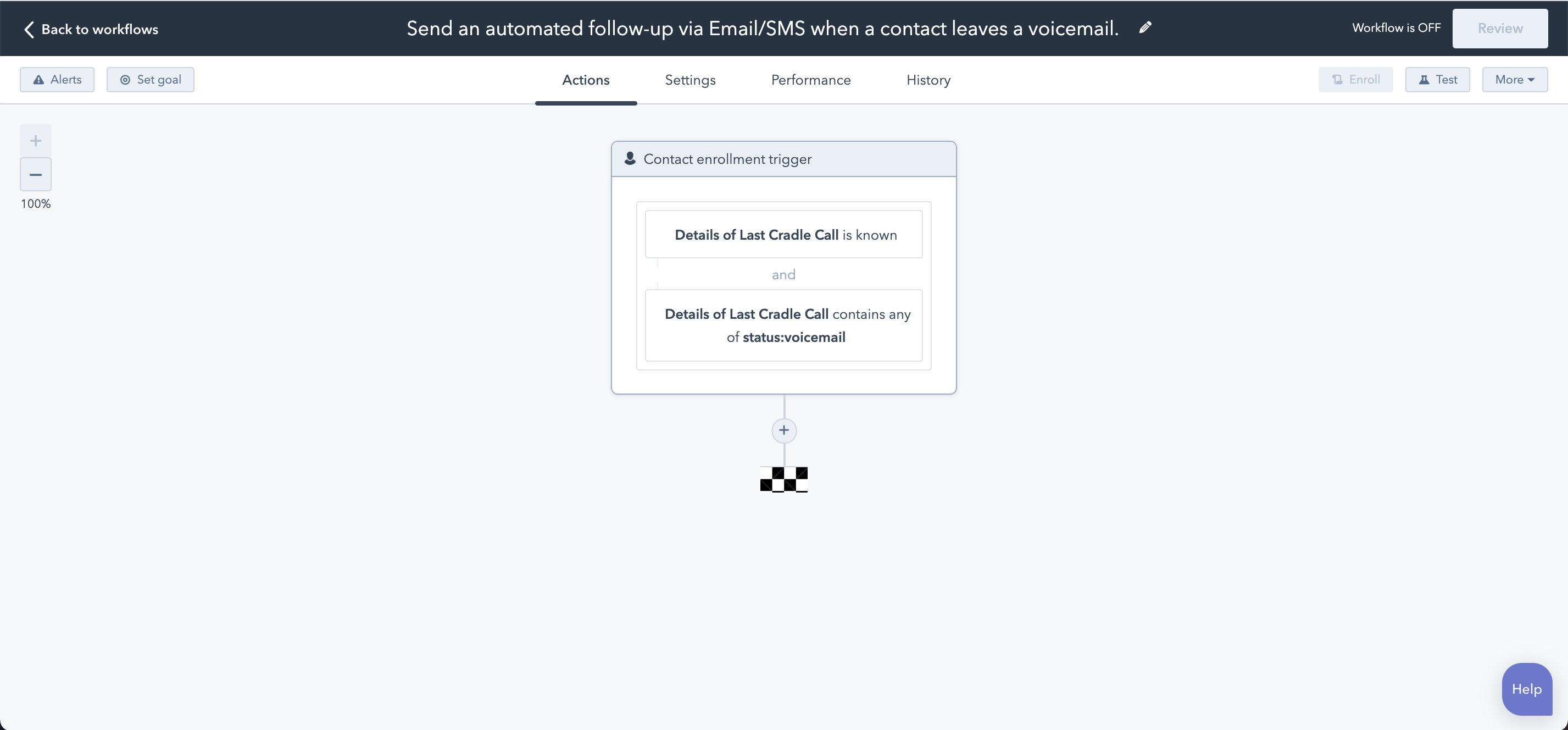
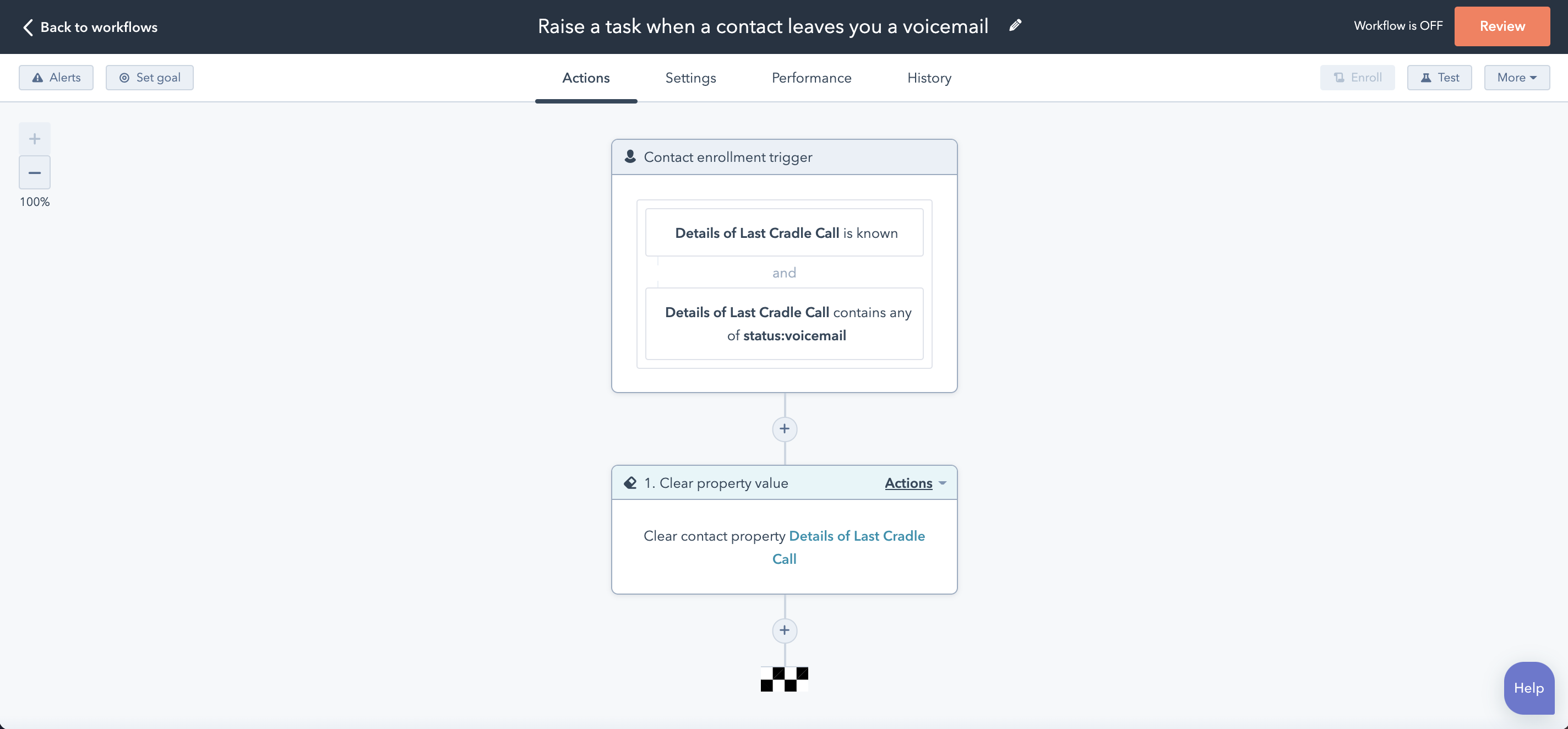
Add two enrolment triggers (combined with AND):
- Details of Last Cradle Call is known
- Details of Last Cradle Call contains any of
status:voicemail
Choose your follow-up action
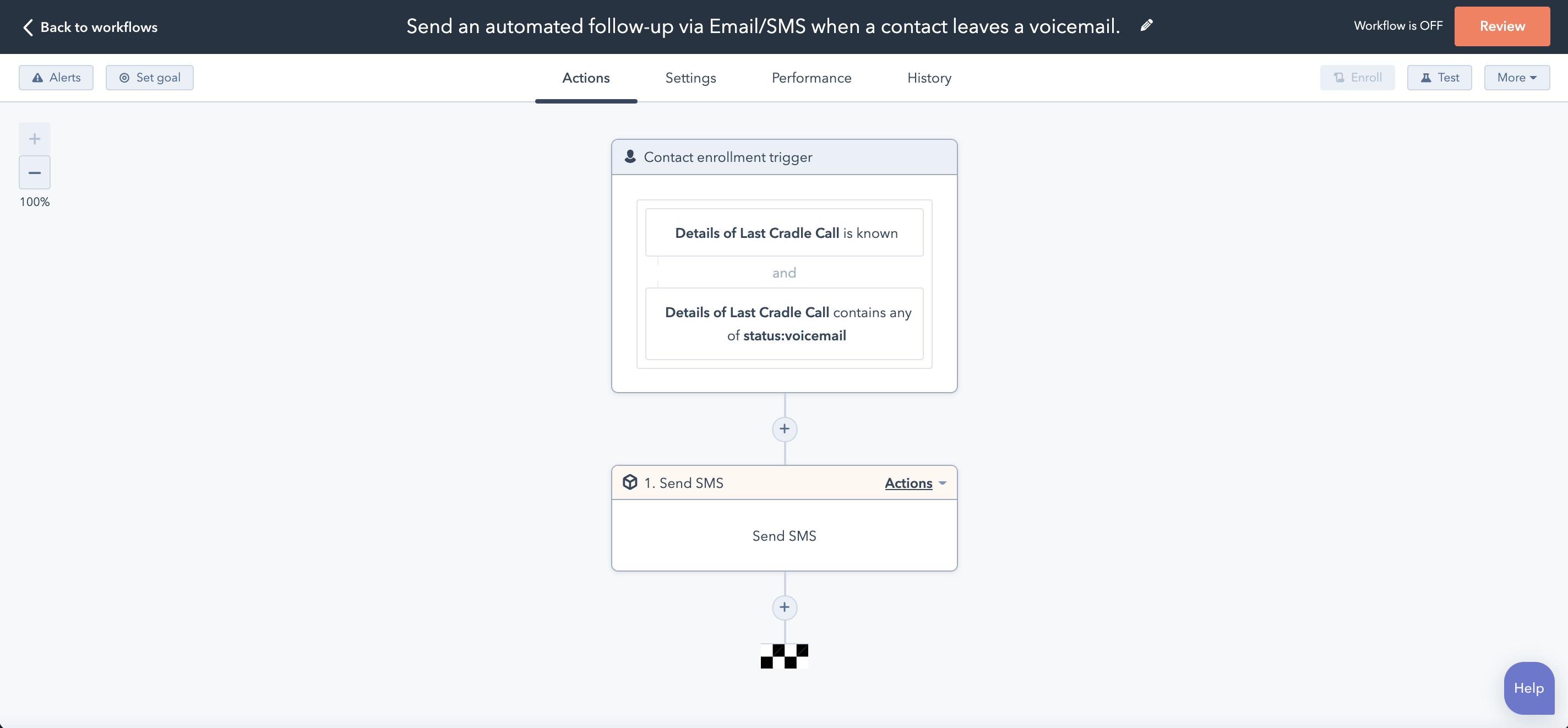
You can use any action HubSpot offers here. The two most common are an automated marketing email and an SMS sent via HubSpot's outbound SMS feature (note that HubSpot's SMS is independent of Cradle SMS).
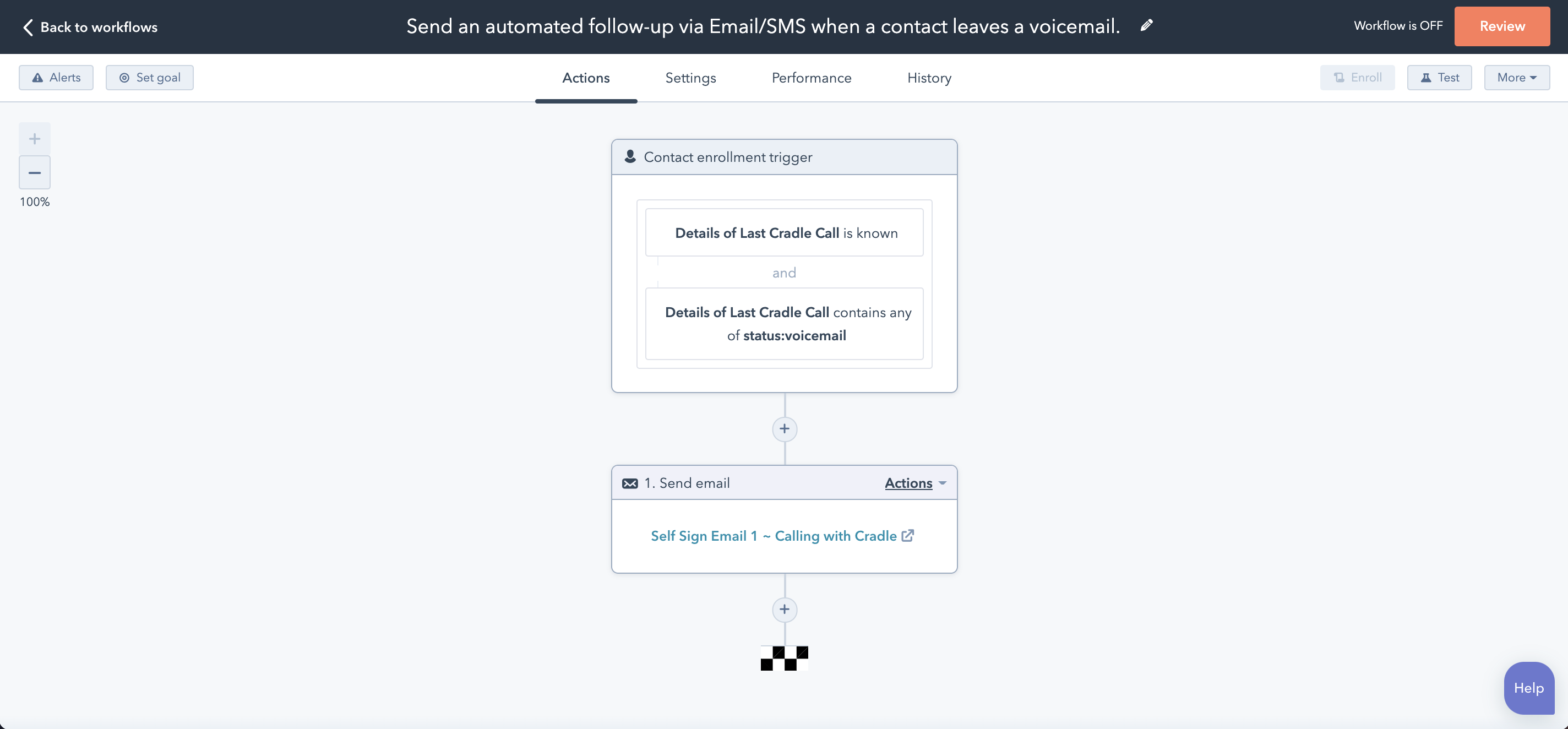
SMS
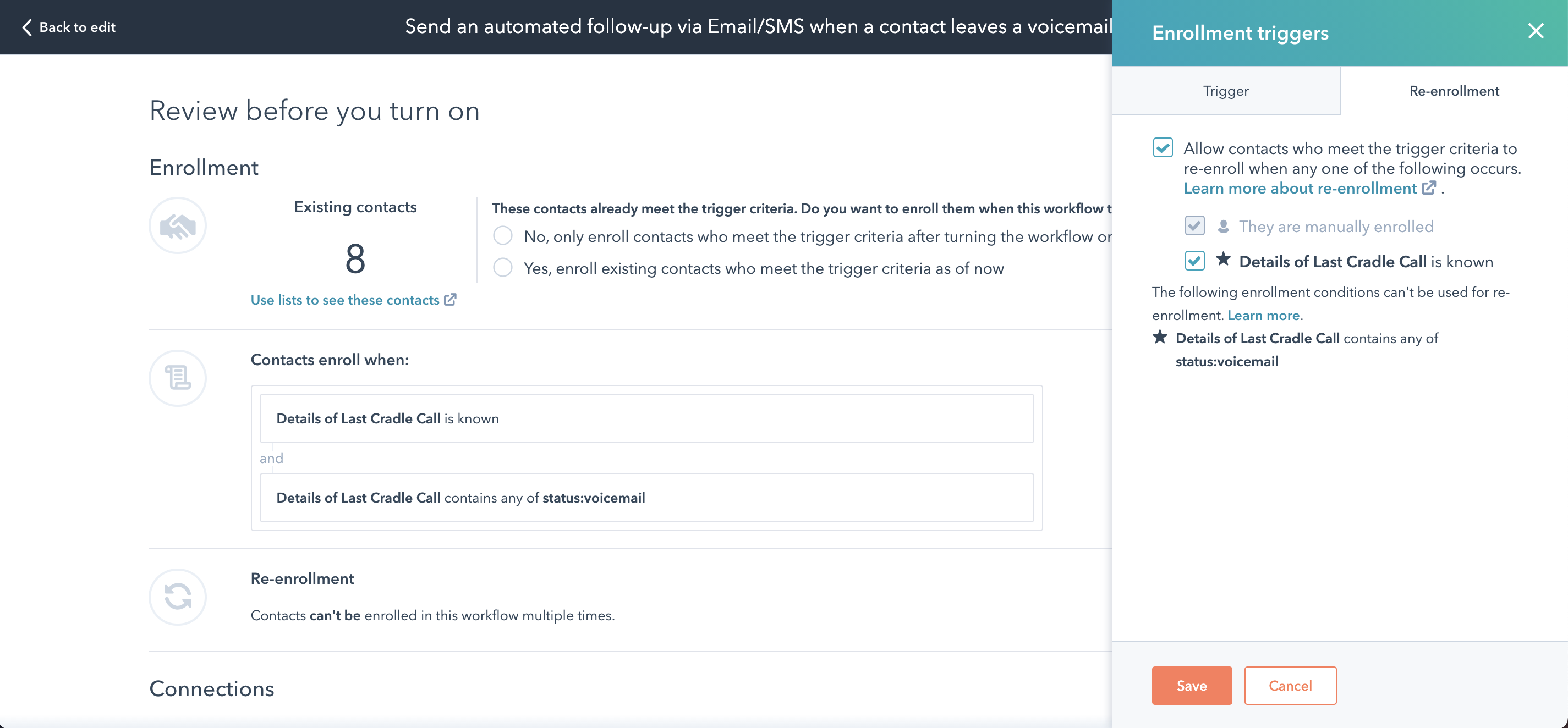
Allow re-enrolment
Contacts only enrol once unless you tell HubSpot otherwise. Click Review, open Re-enrolment, select Allow contacts who meet the trigger criteria to re-enrol when any one of the following occurs, and tick Details of Last Cradle Call is known. Now every fresh voicemail will trigger the follow-up.
Reset the property at the end
Add a final Set property value action that clears the Details of Last Cradle Call contact property. If you skip this step, contacts who leave a second voicemail before you've called them back won't receive another follow-up.
Save and turn the workflow on, then run a test call to your own number to check the email or SMS arrives as expected.