Admin & setup
Call log page
How do I look up a call from last week?
The Calling History page can help you.
Note
We're busy refining Calling History, bear with us while we make improvements 😊
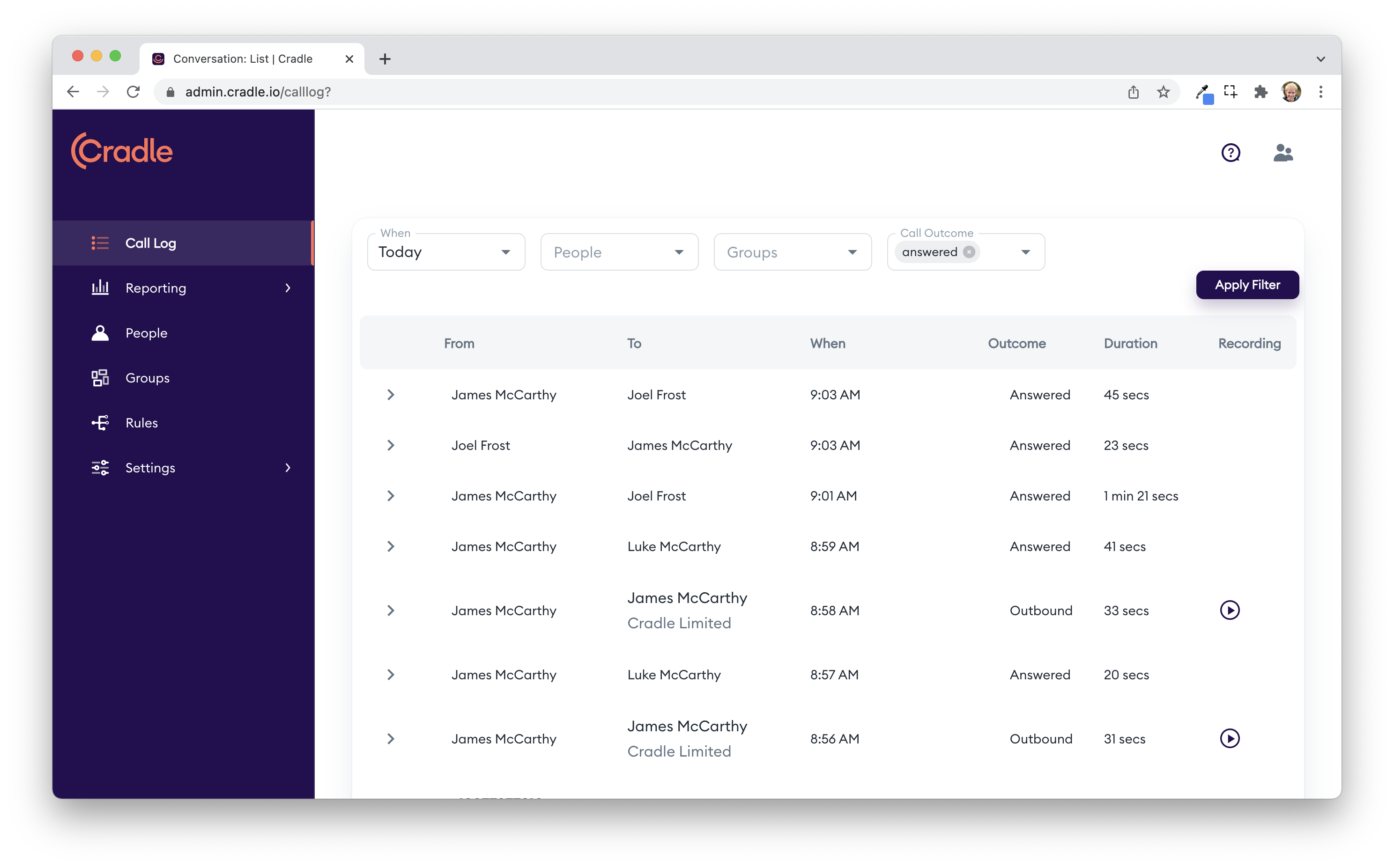
Filter the view with the filters up the top to narrow the calls to a particular date, person, group, call outcome, phone number, contact or company, or Rule. Turn on Missed only if not answered anywhere if you only want to see missed calls that nobody on the team picked up.
Notes:
- You can't select a group at the same time as an outbound call. Outbound calls aren't made by a group.
- Expand each call by clicking the arrow on its row. You'll see more detail about the call. Team calls can't be expanded.
- Choose custom for 'when' to search by a specific date.
- Play call recordings or voicemails directly from the Calling History screen.
- Use Export CSV to download the filtered view, or View In Reports to open the same filters in the Reports page.
- If your account is still on the older view, you'll see a Show Legacy Call Log toggle at the top. Some customers will see Calling History by default and others will see the legacy view; both are available during the rollout.