Desktop app
Calling a Group
Call or blind-transfer to a Group from the Cradle desktop app.
Calling a Group instead of a specific teammate is handy when you have a question that anyone on a team could answer. Dial the Accounts Group and your call rings through to that team in the same way an inbound customer call would.
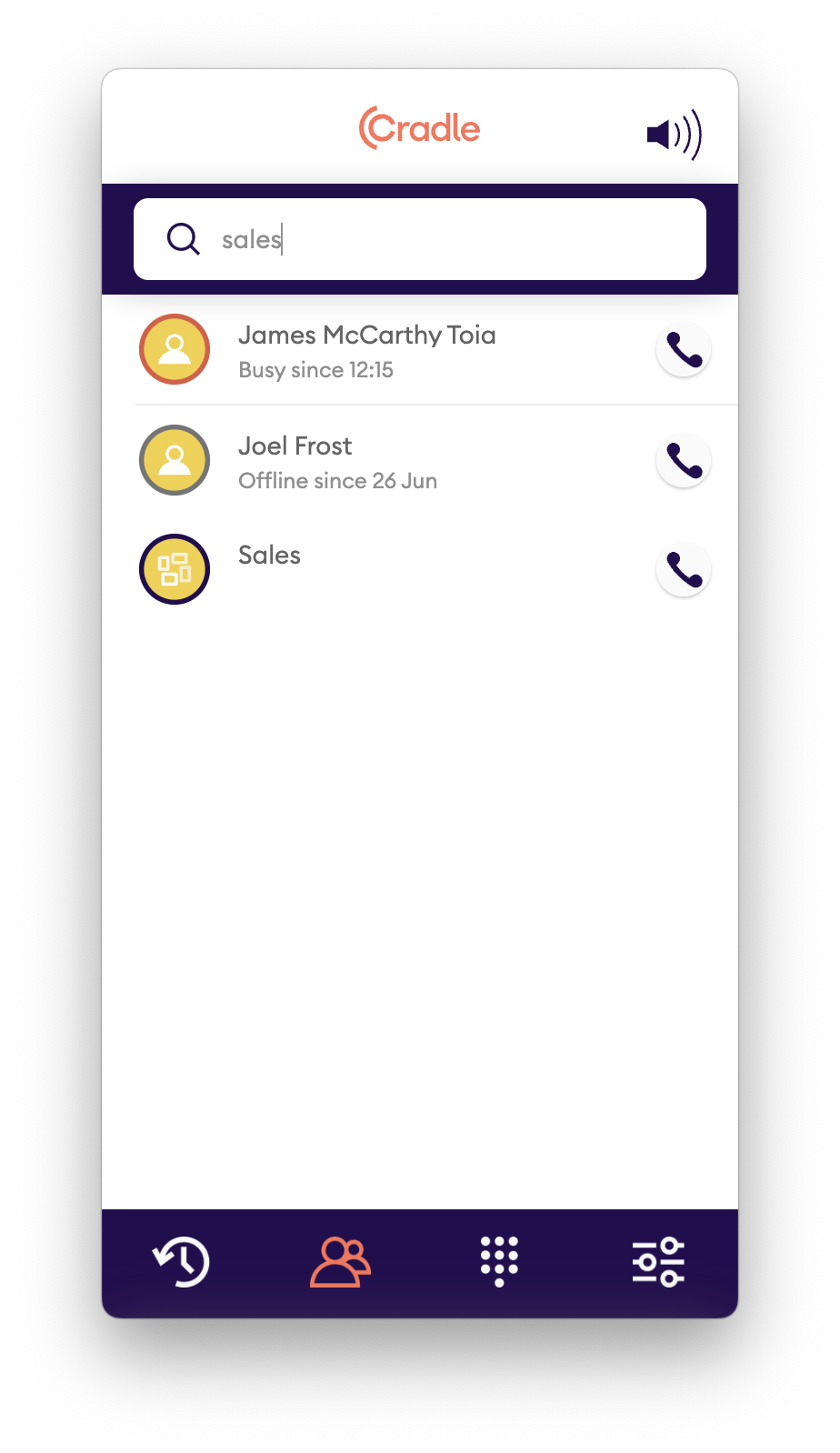
To call a Group:
- Click the team icon at the bottom of the Cradle desktop app.
- Scroll to the Group you want, or type its name.
- Groups are identified by the icon with four small squares.
- Click the dial icon on the right of the row to call everyone in that Group.
Transferring to a Group
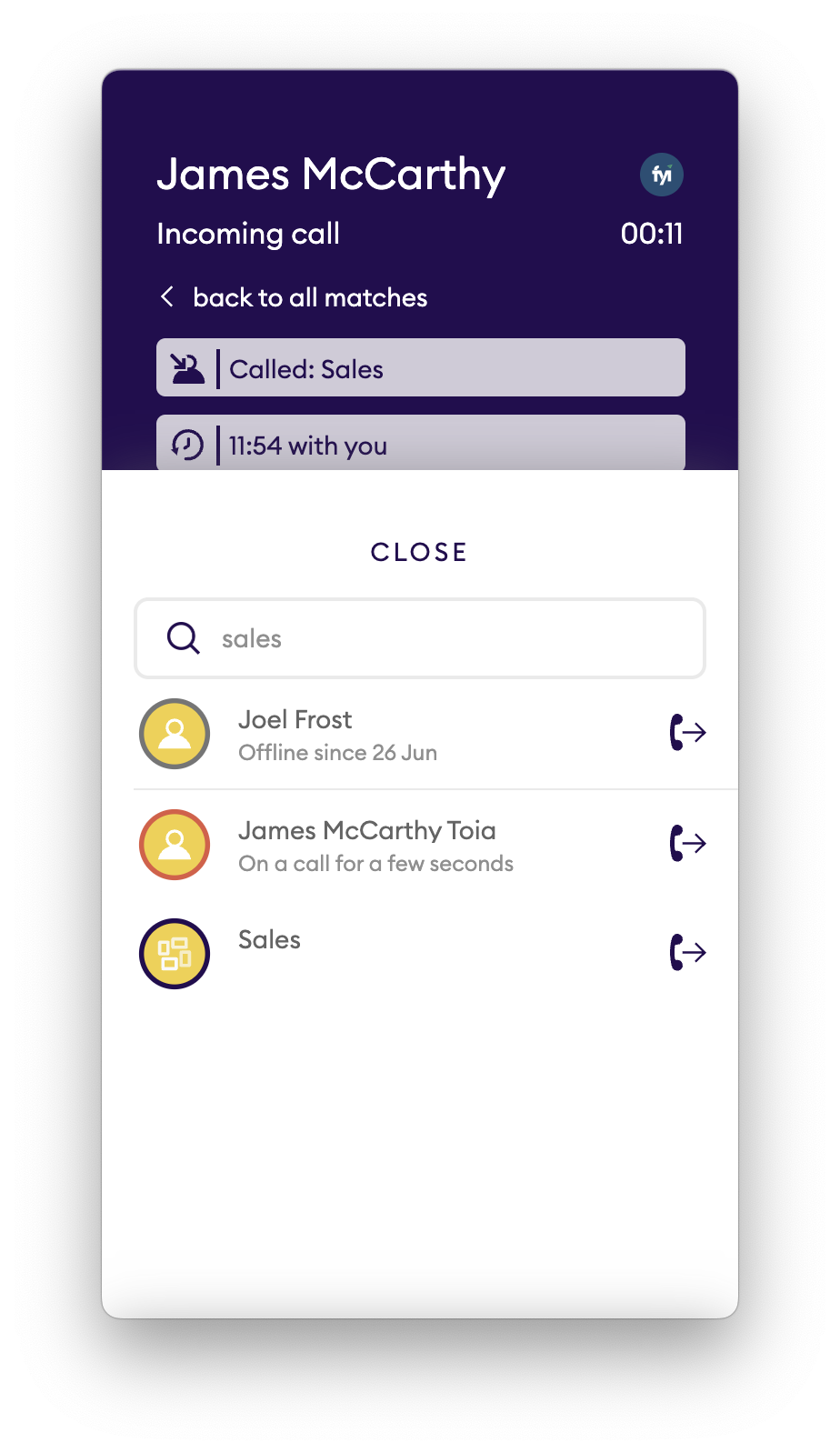
You can also blind transfer a call to a Group. If a caller reaches you but doesn't mind who in the sales team they speak to, transfer them to the Group as if they'd picked it from a voice menu.
To transfer to a Group during a call:
- Click the transfer button on the call screen.
- Type the Group name.
- Click the transfer icon. The call is blind transferred immediately.